
How to Generate Fairy AI Images — Complete Guide
Translucent wings are one of those details that AI rendering loves to show off: the light passing through a membrane, the faint iridescence at the edges, the way the whole figure reads as weightless. That is the payoff of the fairy category on AINudeGirls, and it is exactly the kind of look that rewards a clean frame and soft light. You choose the category and the platform assembles the scene for you — no prompt-writing by hand — so what you get back is a finished, high-quality image tuned to this style.
For background on the subject itself, see Fairy on Wikipedia.
The fairy category is live inside the generator. Here is how to get the most out of it.
What Fairy Means Here
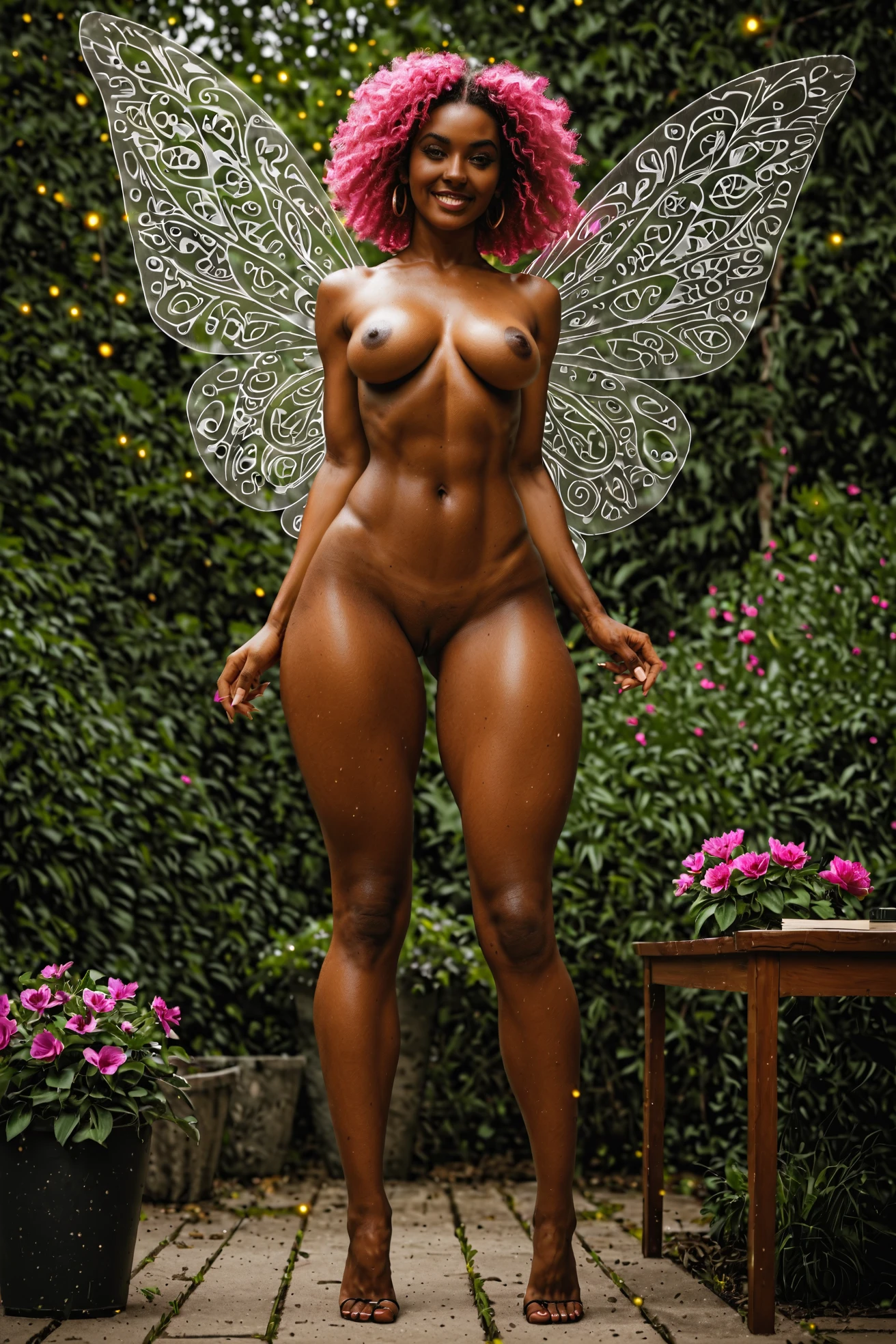
The category turns on one thing: delicate, clearly visible wings on an ethereal, otherworldly figure. Wings are the defining trait, so the render always keeps them present and readable rather than hidden or cropped away. A plain figure without wings, or a look that drifts away from that magical quality, falls outside what this category covers.
What the Platform Builds for You
You never type the prompt yourself — the platform composes it — but it helps to see the shape of what gets assembled. Below is a representative build: fairy and translucent wings on a petite figure, seated on a giant flower in an oversized flower garden thick with glowing pollen and pixie dust, fully nude, pink hair, magical sparkles, gaze to the viewer.
Tag form (Pony/booru):
```text
fairy, fairy wings, translucent wings, petite body, small breasts, flower garden, oversized flowers, glowing pollen, fantasy setting, sitting on a giant flower, legs open, exposed pussy, playful smile, magical sparkles, soft glow, looking at viewer, pink hair, completely nude, pixie dust
```
Generating Fairy Images
1. Pick the fairy category on the Generate page.
2. The platform builds the scene from there.
3. Your finished WebP image lands in your gallery at 1312x1968.
From the Fairy Gallery
fairy example 1
fairy example 2
fairy example 3
fairy example 4
fairy example 5
fairy example 6
All six sit in the fairy gallery. For a photoreal take, switch over to the realistic fairy style.
Scenes and Styling
The wings are the anchor, so the frame is built to keep them in view — clear of the face and body rather than buried behind them. You can crop tight or shoot wide; either way that defining look stays front and center.
Two flavors of wing are on the table. Traditional fairy wings give you the broad, sweeping shape, while pixie wings run smaller and more intricately detailed. Soft, diffused light and the occasional magical glow both sit naturally against the ethereal mood.
Wardrobe stays light on purpose. Minimal or abstract clothing leaves the wings room to read; heavier fabric tends to compete with them. Beyond that, the backdrop is yours to move around — a hushed forest one time, an abstract void the next — as long as the overall ethereal feel and those wings hold steady.
A couple of habits that help: stick to one AI model when you want a consistent figure across a set, run a batch and pick your favorites, and cycle through variants to see the range the category can hit.
Fairy Compared to Nearby Categories
A quick side-by-side with the looks fairy tends to get shelved next to:
Category What it actually is
--- ---
fairy (this guide) a fairy with delicate wings, ethereal aesthetic
lingerie delicate black lace lingerie with garters
cop in a sexy police uniform with cap and belt
nurse in a sexy nurse uniform, white outfit with a red cross
Combining Fairy With Other Looks
Fairy shares a single wardrobe slot with the other outfit looks — Angel among them — so it is a one-or-the-other choice. Pick fairy plus a second outfit and only your first selection actually shows up in the render. The scene also stays to a single figure; the category does not put multiple people in one image.
Where It Goes Wrong
Nearly every miss comes down to the same thing: the wings. They are the one element the platform reads to lock in the category, and the translucent, pixie-like quality is something it layers in for you automatically. Lose that trait above and the image simply stops registering as fairy.
Frequently Asked
Q: What's the difference between fairy wings and pixie wings here?
Traditional fairy wings are the larger, sweeping kind. Pixie wings run smaller and carry more fine detail. Both live inside this category.
Q: Can I get a photorealistic fairy instead of a stylized one?
Yes — use the realistic fairy style for a photoreal render.
Q: Can I add a male partner to a fairy scene?
The default scene is solo. Flip on the male-partner toggle in the generator to include one.
Q: Why do the wings come out see-through?
That translucent quality is baked into the look — the platform adds it as part of what makes the wings read as fairy.
More Guides
Guides for the categories closest to this one:
The full set is on the blog index. Ready to make one? Open the fairy category in the generator and pick it.