
How to Generate Maid AI Images — Complete Guide
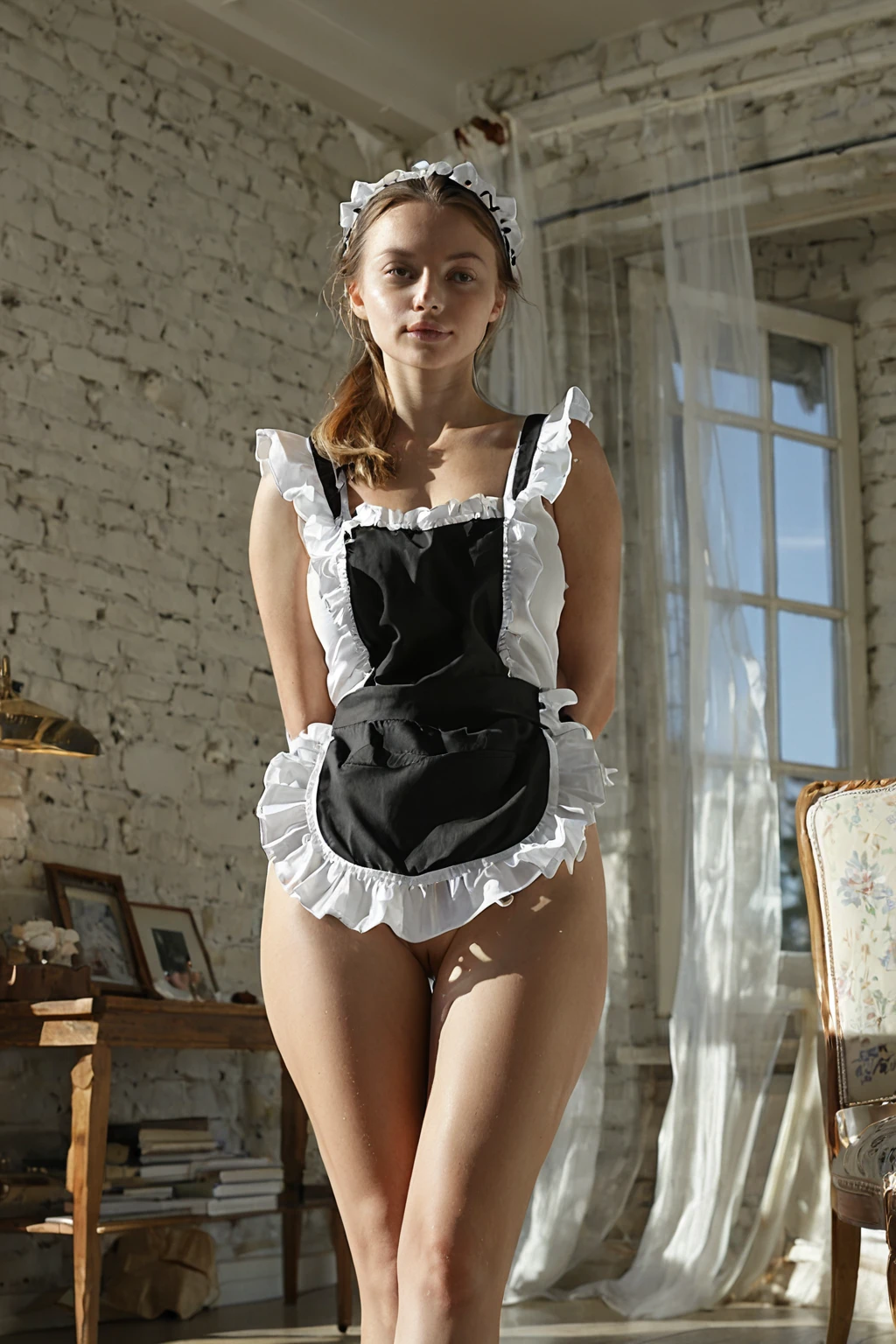
Black fabric, a white frill, a hemline that stops well short of the knee. The maid category on AINudeGirls is a wardrobe brief before it is anything else, and the platform treats it exactly that way: you never describe the outfit, you select it, and what comes back is already wearing it.
Two places matter. The maid category page holds the finished gallery; the generator is where you make your own. Below: what the outfit actually includes, how it behaves next to other picks, and the handful of things that trip people up.
What You Get With Maid
Three garments, and always all three — a French maid outfit, a frilly apron layered over it, a short skirt underneath. That is the category's definition rather than an opening suggestion. Take the apron away and the image is no longer maid. Lengthen the skirt and it isn't either.
The tightness of that brief is what makes it useful. A loose costume theme drifts toward "something vaguely servant-ish"; this one lands on a silhouette you can name from across the room, every single time, without you having to spell out a single seam. Anything outside those three elements — other uniform styles, other dress colours, maid-adjacent costume ideas — sits in a different category rather than inside this one.
What stays fixed is the wardrobe. Everything wrapped around it moves: pose, camera angle, crop, lighting, mood and background are composed fresh on each run, so a second generation is a genuinely different photograph of the same outfit, not the first one nudged sideways.
From Pick to Picture
1. Open the Generate page and select maid. That single choice is the entire setup — there is no prompt box to fill, no settings to balance.
2. Start the generation. The outfit, the framing and the scene around it are assembled for you, and the finished image lands in your gallery.
3. Every result arrives as a WebP file at 1312x1968 — large enough to view full-size or save straight to your device.
On cost: a single image is 15 credits. If you plan to compare a few takes side by side — which, with a category this variable, you should — a set of 5 runs 68 credits and a set of 10 runs 120, both cheaper per image than generating one at a time.
maid example 1
maid example 2
maid example 3
maid example 4
maid example 5
maid example 6
maid example 7
maid example 8
maid example 9
maid example 10
maid example 11
maid example 12
maid example 13
maid example 14
maid example 15
maid example 16
Those sixteen are a slice of the 30 sitting in the maid gallery. If the painterly end of the range isn't your taste, the realistic maid style narrows the same wardrobe down to photoreal frames only.
Working Prompt Examples
Nobody types prompts on this platform, so read what follows as a look inside the wardrobe department rather than as something to copy. Maid's entire contribution to a scene is one clause:
```text
in a French maid outfit with frilly white apron and short black dress
```
Three jobs in one line. *French maid outfit* fixes the garment family. *Frilly white apron* is the layer worn over it, and the frill is why the silhouette reads instantly instead of looking like a plain black dress. *Short black dress* pins down both the hemline and the colour contrast the apron needs to stand out against.
That clause never travels alone. You pick maid alongside another category, and the two are composed into a single scene — the outfit clause dresses the subject while the other category supplies the situation. Pick maid together with titjob and the scene it lands in reads like this:
```text
POV full-body shot of a young woman alone pressing her large breasts together with both hands, cleavage prominent, looking up at the camera with a hungry smile, full body visible, bright soft lighting, female alone in frame, no other people
```
Or pair it with titty-drop, which brings motion instead of a held pose:
```text
a young woman pulling down her top to release her large natural breasts in a dramatic bouncing reveal, motion captured mid-drop, bright soft lighting on her exposed chest
```
Notice which half changes. The wardrobe clause is constant in both; the partner category decides the pose, the energy and the camera. That division is the whole trick to getting what you want out of maid — choose the second category for the moment you're after, and let the outfit do its own job.
Maid vs Its Neighbours
The categories people most often reach for in the same breath, and what separates them:
Category What it actually is
--- ---
maid (this guide) in a French maid outfit, frilly apron and short skirt
lingerie delicate black lace lingerie with garters
cop in a sexy police uniform with cap and belt
nurse in a sexy nurse uniform, white outfit with a red cross
Stacking Maid With Other Picks
Every category in that table is a complete outfit, and a single frame can only really commit to one. Pick maid and nurse together and you tend to get a muddle — an apron fighting a white uniform, both losing. The reliable move is to combine maid with a category that occupies a different layer of the image entirely: a pose, an action, a mood.
Angel is the standout pairing for exactly that reason. It doesn't want the same square inches of frame, so the two read as one coherent scene rather than two costumes arguing. The action-led partners above behave the same way — they shape the body and the camera while the apron and hemline stay untouched.
Avoidable Mistakes
- Judging the category off one image. Pose, light and framing shift every run, so a single result tells you very little about the range. Pull a small batch, then choose.
- Stacking two full outfits. Maid plus cop, nurse or lingerie blurs both. If you want the apron and the short skirt to read cleanly, keep the second pick to something that isn't clothing.
- Hunting for a way to edit the outfit. There's no text field, and the three garments are the category's definition rather than a default you can talk it out of. Different colour, longer skirt, no apron — none of those are inside maid.
- Expecting to reproduce a specific result. Each generation composes its scene independently, so a favourite is a keeper, not a seed. Save it from your gallery when you see it.
- Ignoring the style split. If the mixed-style range in the main gallery isn't what you want, the realistic maid style is the narrower selection.
Questions People Actually Ask
What exactly counts as a maid image here?
A French maid outfit, a frilly apron over it, a short skirt underneath — all three visible in every image. That combination is the category, which is why you'll never get an apron-less result or a long-skirted one.
Is anyone else in the frame?
No. Maid renders as a solo shot. A male-partner toggle does exist in the generator and it has to be set before you start a generation, because it reshapes the entire composition rather than dropping a second figure into a finished one.
Can I change the colour of the dress or make the skirt longer?
Not from inside this category. The clause above is fixed, and there's nowhere to type an override. What you can vary is everything around the outfit — regenerate for a new pose, angle and light, or switch to the realistic style for a different rendering of the same wardrobe.
What does the french maid keyword do?
It's a sibling take built on the same core garments, leaning into its own visual identity rather than repeating the standard maid framing. Worth a run if you want a stylistic shift rather than just another camera angle.
The nearest neighbours to this category, each with its own guide:
Every category guide is listed on the blog index.