
How to Generate Princess AI Images — Complete Guide
Jewel-set metal sitting high at the hairline. Fabric with enough weight to hold a fold instead of clinging. A bodice with actual structure in it. That is the whole brief for princess on AINudeGirls, and you get there by ticking a box, not by describing any of it.
The category is a wardrobe layer rather than a whole scene. It carries the royal attire and the bearing that goes with it, then drapes both over whatever else you have selected. Pick it in the generator; the category page shows what it has already produced.
Princess at a Glance
Two things have to be readable in the frame: a tiara and an elegant gown. That pairing is the definition, and it is enforced strictly. A gilded bedchamber with no crown anywhere in the shot is not a princess image here — it is a woman in a nice room.
Materially, that means a headpiece that reads as jeweled and gold-toned, catching whatever light the scene has, and a gown built like a royal portrait rather than a costume-shop approximation: flowing fabric, a fitted bodice, a silhouette with a defined waist. Both have to be visible. Implied, cropped, or half-suggested does not count.
Everything else is open. The category is a solo look by default, and it does not lock you to a room, a pose, or a time of day.
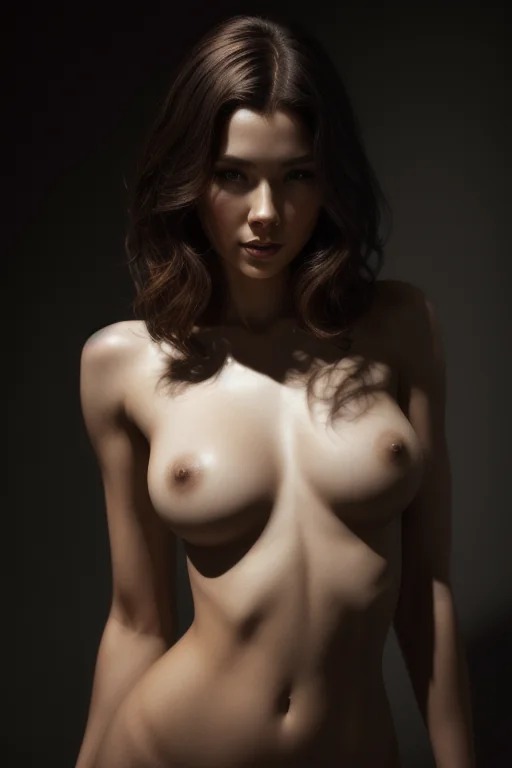
These are real outputs, spanning a few tiara styles and gown treatments so you can judge the range before committing credits:
princess example 1
princess example 2
princess example 3
princess example 4
princess example 5
princess example 6
All six sit in the princess gallery, and there is a photoreal-only cut of the same category if you want the straight-camera treatment.
Making One
1. Open the Generate page and pick your categories — princess on its own, or princess plus whatever scene you want it dressed into. Start the generation; the results land in your gallery.
2. Everything comes back as WebP at 1312x1968, portrait, which suits a full-length gown better than a square crop would.
3. Decide your batch size before you commit. A single image costs 15 credits, a set of five costs 68, and a set of ten costs 120 — so the sets are where the per-image price drops.
Batches earn their keep in this category specifically. Tiara angle, gown drape and expression all shift from run to run, and picking the strongest of ten beats regenerating one at a time and hoping.
One setting to get right before you press go: scenes are solo unless you switch on the male-partner toggle, and switching it on afterwards does not go back and change images already sitting in your gallery.
Where Princess Generations Go Wrong
Almost every disappointing result is one of the two anchors going missing.
The crown drifts out of frame. Tight crops and low camera angles are the usual culprits — the composition looks great, the headpiece is simply above the top edge. If your framing runs close, the tiara needs to be unmistakably inside the shot rather than grazing it.
Or the gown flattens into generic formalwear. Rich fabric, a structured bodice, trim or jewelry at the neckline: those are what separate royal from *black dress at a nice restaurant*. When results keep drifting toward "elegant woman" instead of the look this category promises, it is nearly always one of these two, not a problem with the room, the lighting, or the pose.
What Gets Fed In
You never type a prompt here, but it is worth seeing what the category actually contributes, because it explains why some combinations behave and others fight.
As a modifier, princess adds one clause to whatever scene you have selected:
in royal princess attire with tiara, regal elegance
That is the entire contribution. Wardrobe and bearing, nothing about the room, the pose, or the camera. Which is exactly why it layers so cleanly — it has no opinion about anything except what she is wearing.
A fuller princess-led scene fills in the rest of the vocabulary. Reading it left to right shows the shape: the subject and her styling first, then body description, then setting, then pose, then mood and light, then the framing and nudity terms at the end.
```text
princess, jeweled tiara, long elegant hair, graceful curvy body, medium breasts, opulent royal bedchamber, canopy bed, gold decor, fantasy setting, reclining on silk sheets, legs spread, exposed pussy, coy royal smile, blush, warm chandelier light, looking at viewer, completely nude
```
Note how much of that is setting and light — canopy bed, gold decor, warm chandelier light — and how little is wardrobe. The wardrobe is the part princess brings. The rest is the scene it is riding on.
That is also how you steer it: rather than rewriting anything, you pick princess alongside a scene category and let the two compose. Choose bent-over, for instance, and the scene half becomes a woman bent forward at the waist in a sunlit bedroom, hands braced on a dresser, looking back over her shoulder in soft side daylight — with the tiara and gown styling laid over it. Choose blowjob and you get the POV kneeling framing, low angle, eyes on the camera, in royal attire. Same wardrobe clause, completely different picture.
What to Select Alongside
Scene, pose and setting categories combine with princess without complaint, because they claim territory it does not.
Outfit categories are the ones to watch. Angel, bikini, bodysuit, bride, bunny-girl and cat-girl each arrive with their own strong wardrobe, and there is only one body to dress. Pick two outfits and only the first one you selected shows up — the second is quietly dropped, which is usually experienced as "I chose bride and princess and got no tiara". If you want both aesthetics, run them as separate generations and compare.
Not to Be Mistaken For
The neighbours princess gets confused with, and what each one actually delivers:
Category What it actually is
--- ---
princess (this guide) as a princess, tiara and elegant gown
lingerie delicate black lace lingerie with garters
cop in a sexy police uniform with cap and belt
nurse in a sexy nurse uniform, white outfit with a red cross
Every one of those is an outfit, which is why they are also the categories most likely to collide with princess if you select two at once.
Princess Questions
Do I need to choose a gown separately?
No. The attire comes with the category — that is essentially all it adds. You select princess and the tiara and gown come along with it.
Why did I get an elegant dress with no crown?
Either the tiara ended up outside the crop, or a second outfit category was selected alongside princess and won the wardrobe slot. Run it again with princess as your only outfit pick.
Can princess be combined with a specific pose or setting?
Yes, and that is the intended way to use it. Pose, scene and setting categories layer underneath it cleanly, since princess only claims the wardrobe.
What do the finished files look like?
WebP at 1312x1968 — a portrait frame, which is the one that keeps a full gown in shot.
Nearby Guides
The closest neighbouring categories, each with its own walkthrough:
Every category guide is listed on the blog index.