
How to Generate See Through AI Images — Complete Guide
Chiffon behaves nothing like cotton the moment there is a light behind it. That one property — a weave that passes light instead of stopping it — is the whole reason the see through category exists on AINudeGirls, and it is why the category refuses to blur into lingerie, swimwear or a tight bodysuit no matter how much skin those happen to show.
Nobody types a prompt for it. There are two doors into the category: the see through page if you want to browse first, and the generator if you already know what you want. Either way the platform writes the wardrobe instruction for you, so results land on the material itself rather than drifting toward something opaque that only implies.
The See Through Look
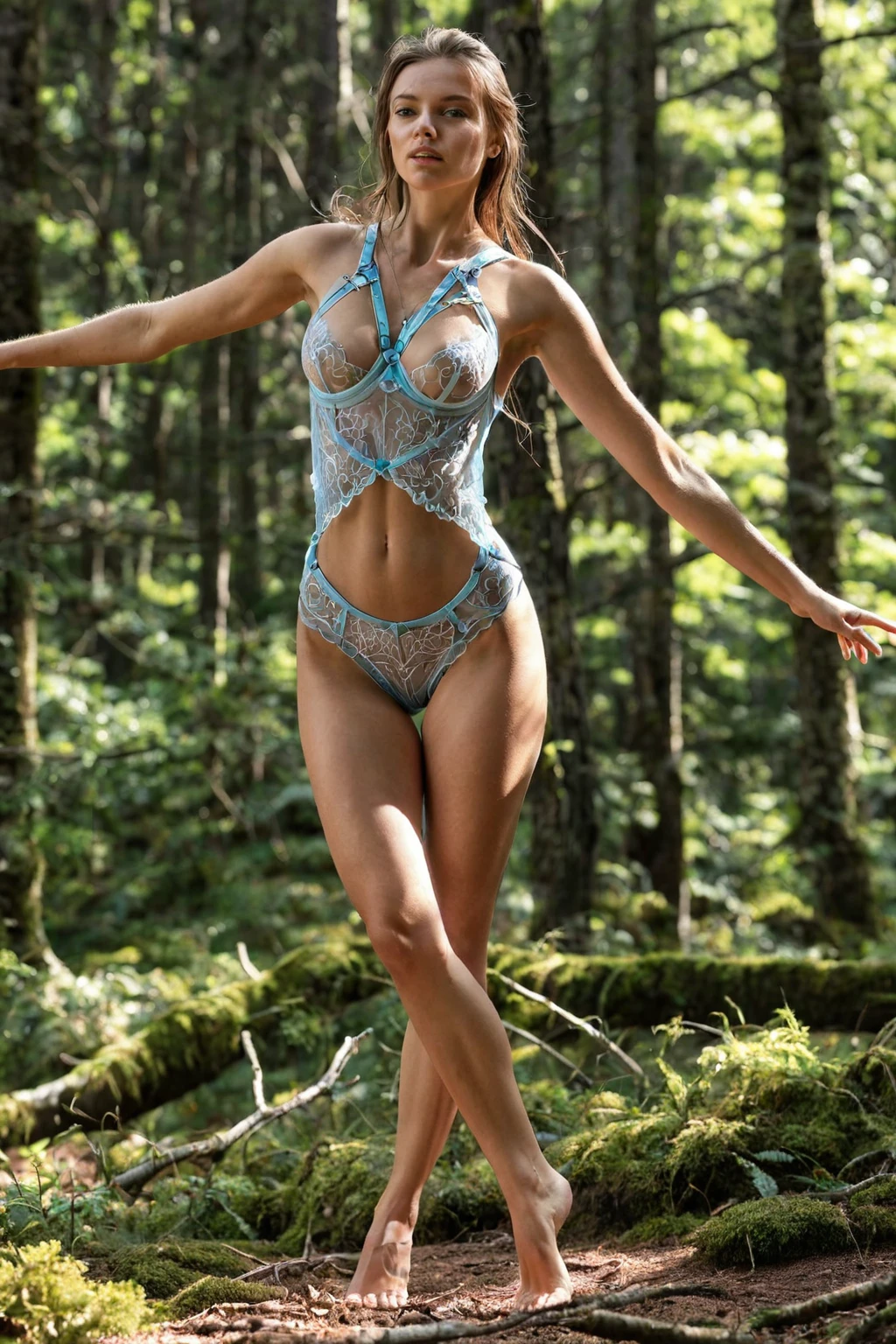
This is a narrow, literal category. The fabric has to be sheer enough that the body reads clearly underneath it — not suggested, not silhouetted in shadow, actually visible through the weave. Chiffon. Mesh. Sheer lace panels. Rain-soaked cotton gone translucent against skin. Fine tulle, where the light comes through the holes as much as through the thread. The garment is present in the frame; it simply is not doing any covering.
Everything else is a different category. Opaque swimwear, matte lingerie, a solid bodysuit that clings without revealing, or anything leaning on a censor bar, a blur or a well-placed shadow to stand in for transparency — none of that belongs here. See through lives or dies on one question: can you genuinely see through the fabric, or are you inferring what sits behind it?
see through example 1
see through example 2
see through example 3
see through example 4
see through example 5
see through example 6
see through example 7
see through example 8
see through example 9
see through example 10
see through example 11
see through example 12
see through example 13
see through example 14
see through example 15
see through example 16
There are 30 examples in total on the see through gallery. If you want the photoreal end of the range and nothing else, the realistic cut of the category narrows it for you.
Step by Step
1. Open the Generate page and select see through. You can pick more than one category in the same run — the platform composes them together into a single prompt.
2. Start the generation. Nothing to configure, no phrasing to get right; the wardrobe instruction is written for you from the category itself.
3. Collect the results in your gallery. Every image comes back as WebP at 1312x1968 — compact enough to load quickly, large enough that the weave of the fabric survives.
A single image costs 15 credits. Sets are cheaper per image: 5 for 68 credits, 10 for 120. That matters more here than in most categories, because sheerness varies a little between generations — running a set and choosing the strongest one beats accepting whatever the first attempt hands you.
What the Prompt Looks Like
This category's entire contribution to a prompt is one clause. That is genuinely all of it:
Modifier clause:
```text
wearing transparent see-through fabric revealing her nude body underneath
```
Read it as three jobs. *Transparent see-through fabric* names the material property rather than the garment, which is why the results are not locked to one specific outfit. *Revealing* states what the fabric is for. *Her nude body underneath* spells out what has to be visible — the part that keeps the result from settling for a tight top that merely looks daring. Vague alternatives like "barely there" would leave every one of those three jobs unfilled.
Because this is a clause and not a whole scene, it needs somewhere to live. That is what picking a second category does: you choose see through alongside a scene category, and the platform stitches the wardrobe clause into that scene's description. Pick it with gangbang, for instance, and the scene half of the prompt reads:
```text
POV full-body shot of a young woman alone in an intense moment, her mouth open with parted lips, hands raised, hungry overwhelmed expression, full body visible, bright soft lighting, female alone in frame, no other people
```
Or pick it alongside gloryhole:
```text
a young woman alone kneeling beside a tiled wall, her mouth open expectantly with parted glistening lips, hands resting on her own thighs, looking toward the camera, full body visible, bright soft lighting, female alone in frame, no other people
```
Notice what those scene descriptions carry that the wardrobe clause cannot: framing, pose, expression, light. Notice too that both call for the full body in frame and soft, bright light — which is exactly the condition sheer fabric needs to read as sheer. Scene choices that bury the subject in deep shadow work against the material; open, evenly lit framing works with it.
See Through vs Its Neighbours
Where the category sits relative to the ones it gets confused with, and the ones people most often run beside it:
Category What it actually is
--- ---
see through (this guide) transparent see-through fabric revealing her body
lingerie delicate black lace lingerie with garters
cop in a sexy police uniform with cap and belt
nurse in a sexy nurse uniform, white outfit with a red cross
Lingerie is the mix-up worth naming. Lace reads delicate and revealing at a glance while sitting on an opaque lining, so a garment can look sheer in a thumbnail and hide everything at full size. The test is unchanged: if the body is not actually visible through the material, you generated lingerie.
Pairing See Through
See through occupies the wardrobe slot, which means it does not layer with other clothing categories — it replaces them. Choose it together with angel, bikini, bodysuit, bride, bunny-girl or cat-girl and only the first outfit you picked ends up in the image; the second is quietly dropped rather than blended in. So pair it with a scene, a pose or a setting, not with a second costume.
The category is also written for one subject. Multi-person scenes are not part of it, and the male-partner control stays off unless you deliberately switch it on before generating — nobody else joins the frame on their own.
Getting It Wrong
The classic failure is a garment that is present but not doing the one thing it was chosen for. Swimwear, matte lace, a tight opaque layer that reads as *revealing* while the body behind it stays invisible — none of that satisfies the category, however much skin surrounds it. Skimpiness is not transparency. The two are unrelated.
The second failure is losing the descriptor. Strip the transparency language out of the prompt and the result drifts to either generic nudity or generic clothing, because that clause is the only thing anchoring the material property. It is load-bearing, not decorative.
Then there is everything that quietly cancels transparency after the fact. Fabric bunched or doubled over until it is effectively opaque. Deep shadow across the torso. Framing so wide that the weave never gets enough pixels to sell itself. And any blur, censor bar or digital obstruction at all, which defeats the premise outright — the point of that defining look is that the fabric hides nothing, so anything else that hides something is working against you.
Asked and Answered
How is see through different from lingerie?
Lingerie is defined by the garment: delicate black lace with garters. See through is defined by the material behaving a particular way — light passing through it, the body legible underneath. A lace piece can be beautiful and revealing and still be completely opaque.
Can I combine it with another outfit category?
You can select both, but only one will show. They compete for the same wardrobe slot, so if you pick two outfits only the one you chose first appears and the other is dropped. Combine see through with scenes and poses instead.
What do I actually get back?
WebP files at 1312x1968, delivered to your gallery. There are no format or size settings to choose.
What is the cheapest way to try a few variations?
Buy the results as a set rather than one at a time: a single image is 15 credits, five are 68, and ten are 120. Since transparency varies slightly from image to image, a set is also the more practical way to land on the version you want.
Continue Exploring
The nearest neighbours to this category, each with its own guide:
Every category guide is indexed on the blog, and the category itself is one click away at the AI See Through Generator.